
If booked times aren't appearing on the kiosk, the default tees may not be set up correctly. This has happened for many users during the transition to winter courses after implementing VHS courses.
ALL handicap groups must be assigned to a tee!
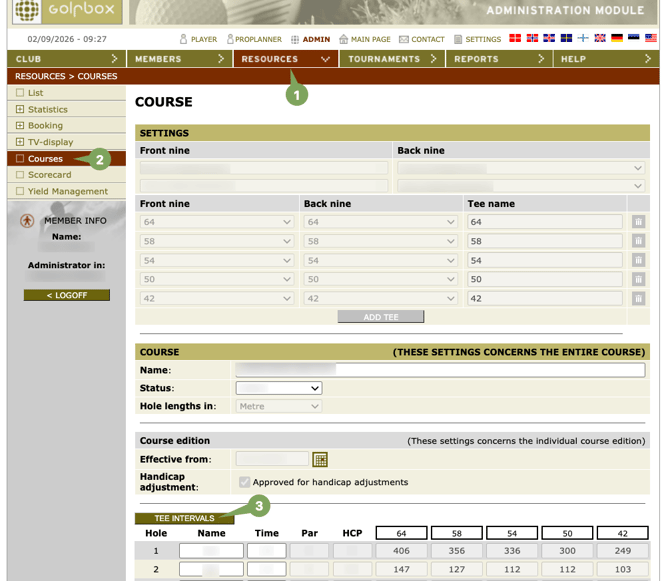
1. Log into your GolfBox admin account and click Resources.
2. Click on Courses and click course you want to edit.
3. Click TEE INTERVALS
4. Make sure each row has a blue dot.