
Apple iOS - Wallet
-
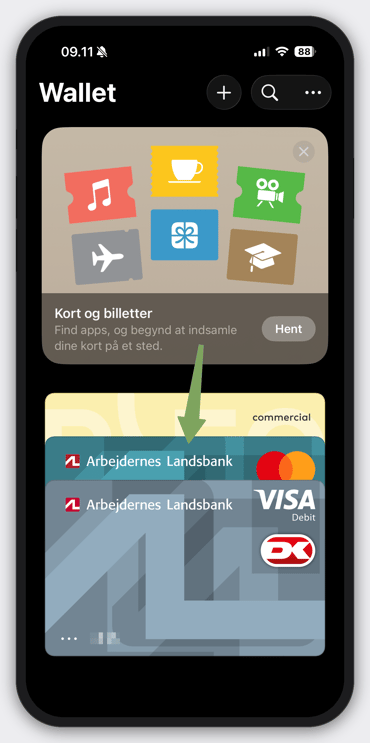
Open up your Wallet App
-
Tap the card used in the transaction - Note these last 4 digits

-
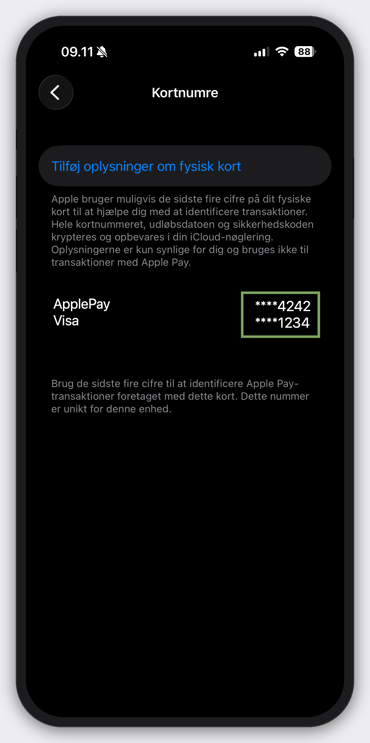
Tap the Card Icon with '123'
-
Any other card number associated with the card is noted here. Note the last 4 digits of all numbers here.
Android
Guide to come..