
-
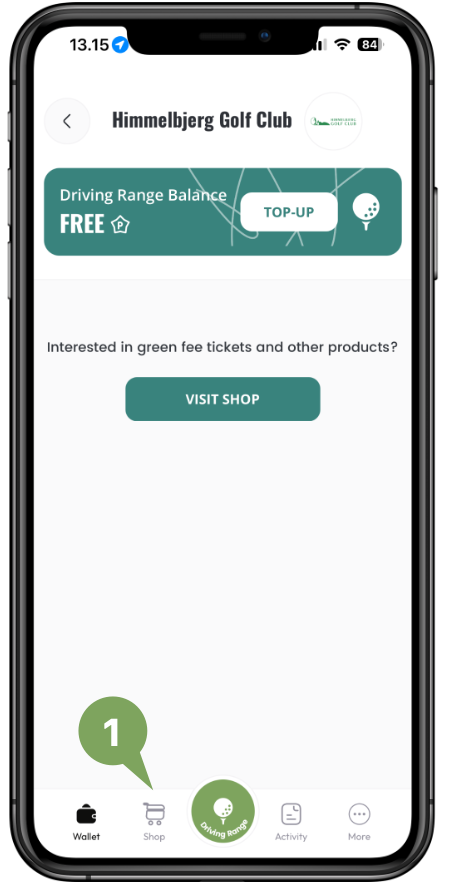
Tap the Shop tab
-
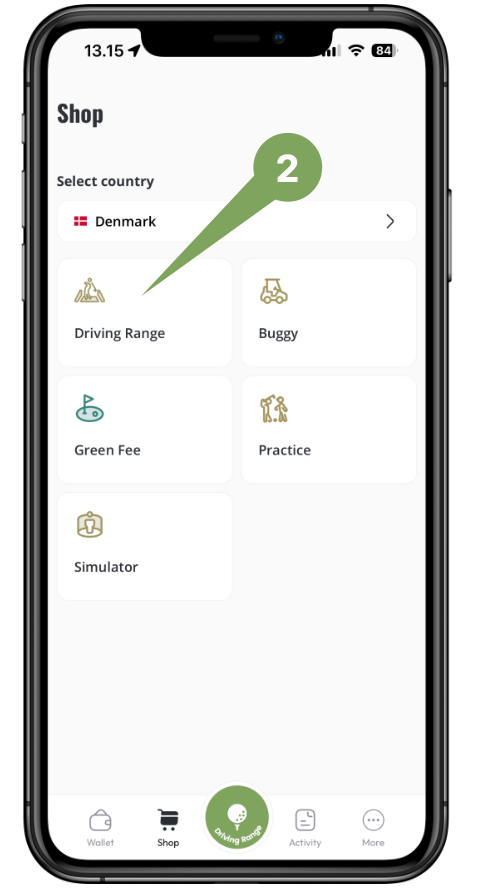
Tap Driving Range and choose which club you want to buy balls at. Will show the closest clubs with Location Sharing turned on.
-
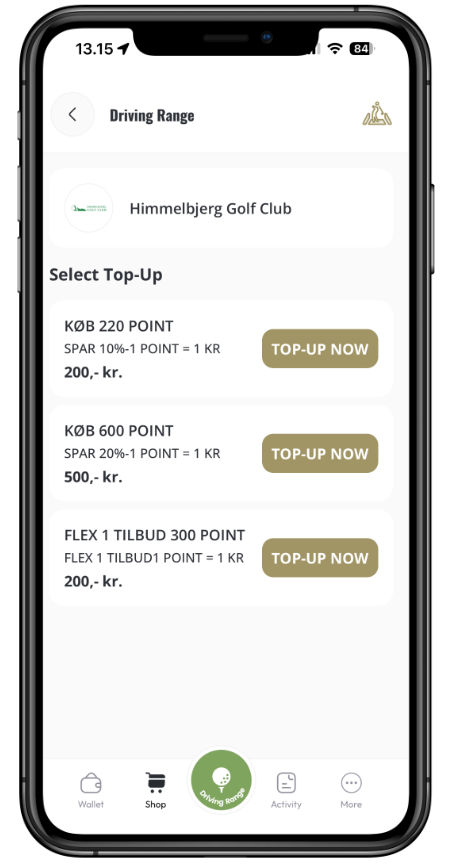
Choose from the products the club has made available.
-
Pay with Apple Pay or Google Pay, or enter your card details. If you use a card, you can save it securely so you can easily add more Points next time. You need to accept the app terms and conditions to buy. Your purchase is then registered on your account immediately, and your balance is increased by the number of Points you bought.