
It is now possible to set a limit on how many times a product is for sale, and also set a maximum number per player.
As an extra, you can now also add a description of the product or a teaser about why you should buy it.

2024-02-17: New improved way to handle the opening hours at the Driving Range
At the bottom of the Dashboard, an additional function has been added, making it possible to manage opening hours at the Driving Range in a simpler way.
Now you can simply decide on a weekly basis whether the Driving Range should be open/closed or during what time period it should be open.
However, it is still possible to use the previous "closed" period function to close at very specific times on a date or time.
Select which report you want and then select the period, which voucher template it concerns and finally select whether vouchers issued by the cooperation club should also be displayed.
NOTE! In order to be able to pull these reports, a connection must be established in the GolfNext system between the clubs.
Send a message to support@golfnext.com if you would like to establish a connection.
It is now also possible to print the report in .XLS format:
We have now made it possible to sort refill products so that you can decide which product should be at the top of the app. This applies when you need to refill, so you can put the most used product at the top.
Simply click on the arrows and arrange the products in the order you want.
We will try to improve the level of information, and in the future there will therefore be ongoing information in the form of a banner at the top of the page.
- Green = News
- Yellow = Important information that you need to consider
- Red = Warnings about crashes, important updates, etc.
The following table has now been added at the bottom of the report, showing the member balance on the start and end dates of the search, as well as the development in the outstanding balance.
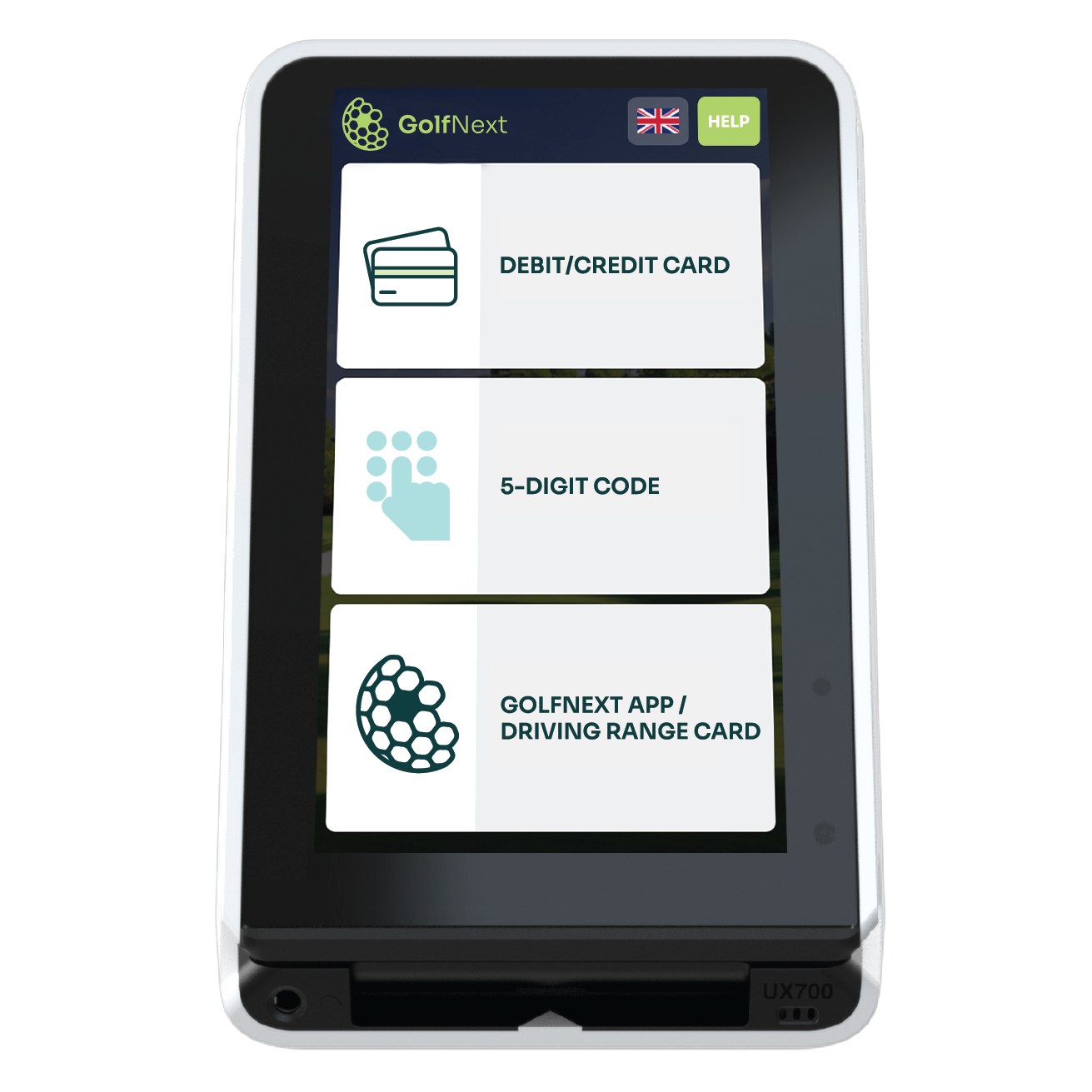
By changing to yes in one of the fields:
- 1) Payment cards will not appear on the screen
- 2) 5-digit code will not be displayed
- 3) GolfNext App or DGU/membership card will not be visible.
NOTE: if you wish to remove MobilePay, please contact support@golfnext.com
Example:
It is now possible to draw a report on players who have drawn balls in a specific period.
Now you can pull a report on how many balls are drawn via a free balls product.
If instead of GolfNext being the sender you want your own logo at the top. (subscription surcharge per month DKK 75.-)
A player does not automatically have their home club updated in our app, so when changing clubs to your club, you can update this. (we get the latest information from Golfbox)
After you have run a campaign on a special refill product, you can now see if it has brought in new customers who weren't there before.
Since we do not know the exact sales amount when replenishing via staff, you have the option of setting an estimated turnover percentage based on what you expect to be sold.
Provides a better overview of which players have free balls, and whether any may need to be removed.
 2022-08-15: "Management report" Here it is now possible to select the payment methods you want statistics on:
For example, if you only want to see statistics on the balls that have been sold, you can deselect Free balls & Pro training ball report.
This makes it possible to hide old products, as well as remove a product during a period when you do not want it for sale/use.

Thank you for reading - feel free to contact us in case you have any questions, suggestions or general feedback