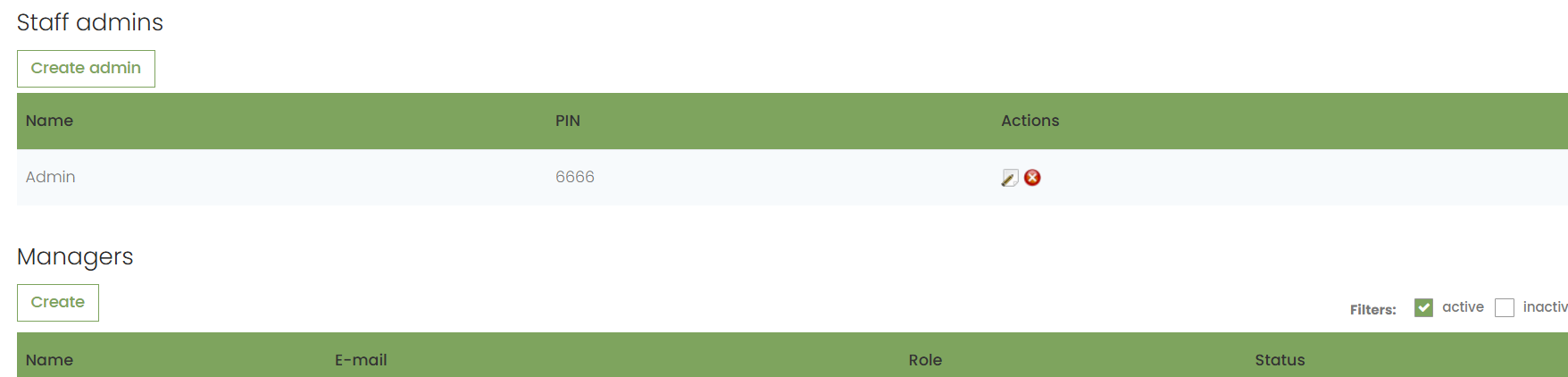
The following is a list of all the roles that clubs can assign to their employees on admin.golfnext.com. They are all about the driving range, and explain what rights each role grants.
Shop app:

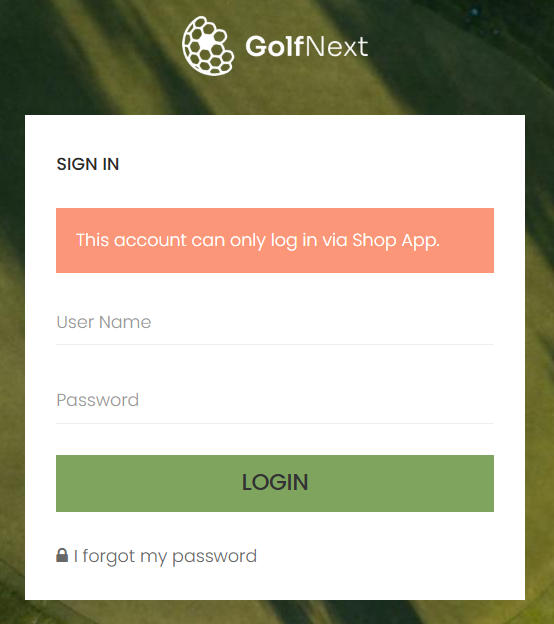
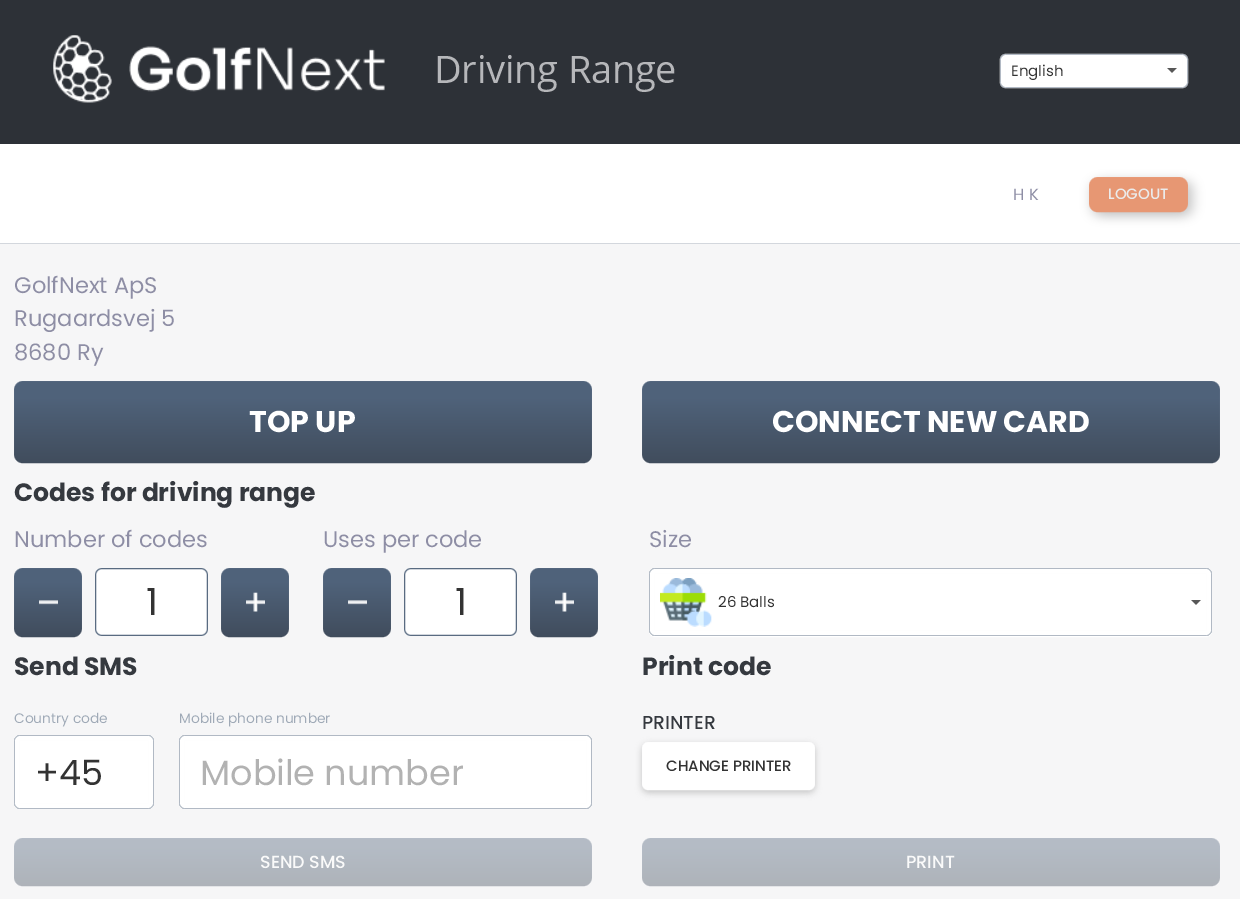
This role ONLY gives access to the GolfNext driving range Windows app, and nothing on admin.golfnext.com. You can download the app here.
Driving range - users only:

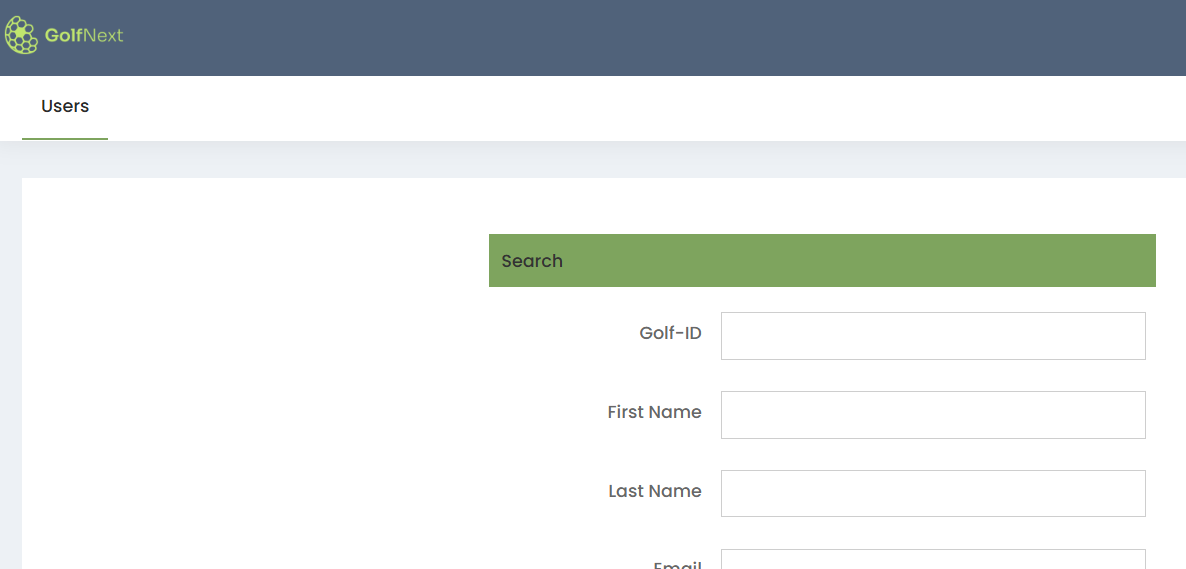
This role, as the name suggests, only gives access to search among the club's players.
Driving range staff:

This role provides access to everything related to the driving range on admin.golfnext.com. However, the role does NOT have access to create users such as admins, managers and vendors for the system.
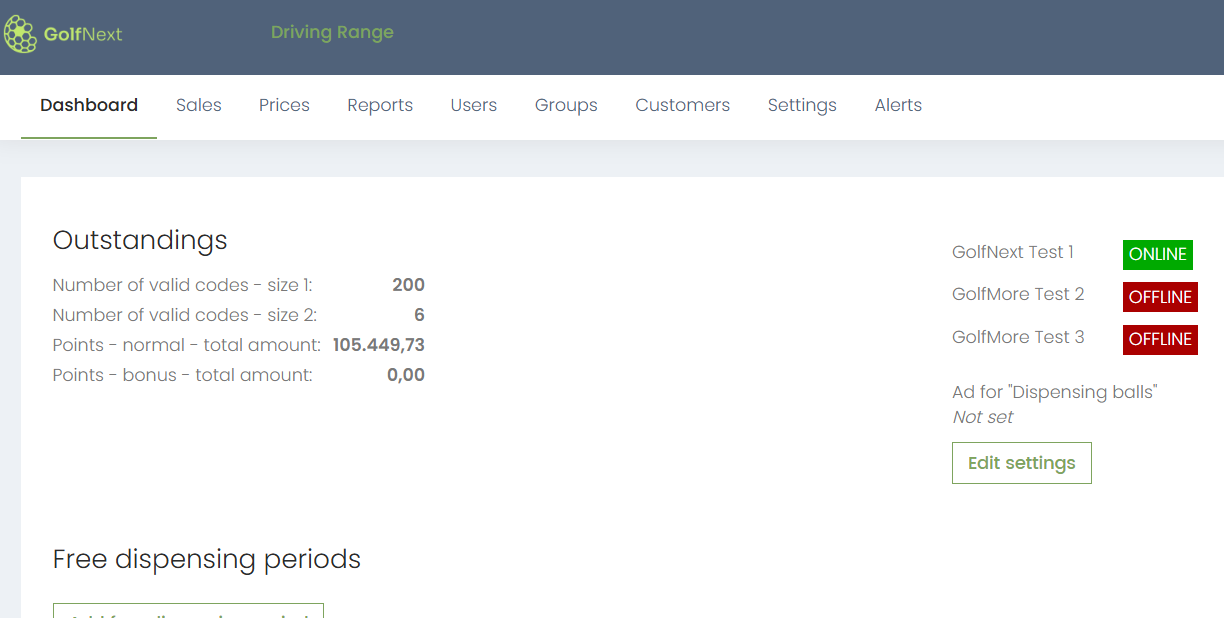
Driving range staff #2:

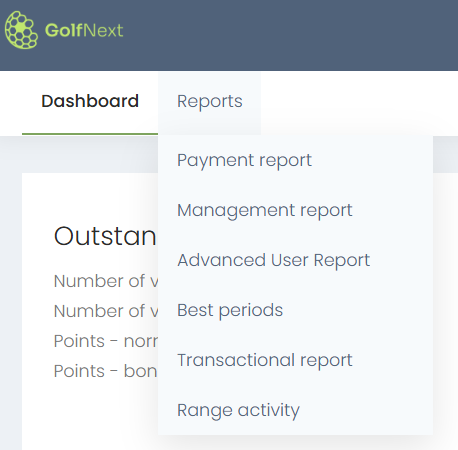
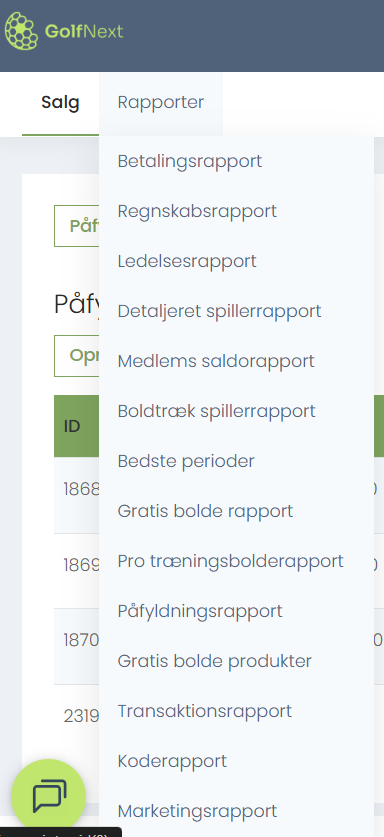
This role provides access to the dashboard as well as the following reports:
- Payment Report
- Management Report
- Advanced User Report
- Best Periods
- Transactional Report
- Range Activity
Driving range staff #3:

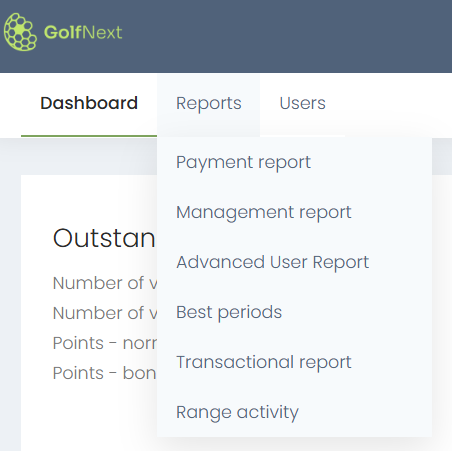
This role provides access to the same framework reports as #2, but also with access to search among the club's players.
Driving range staff #4:

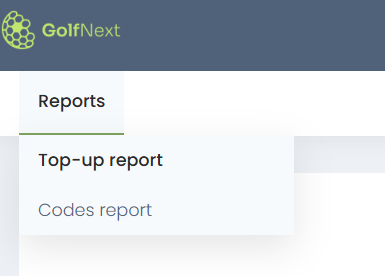
This role only provides access to a very few reports:
- Top-up Report
- Codes Report
Driving range staff #5:

This role can access ALL reports, as well as control everything under the sales tab.
Driving range user:

Exactly the same as "Driving range staff", but also with the rights to manage admins, managers and vendors under driving range settings.
These users can, among other things, log in to the driving range terminal physically with a pin code and set the ball machine to be closed, give free balls, etc.